

BLIK
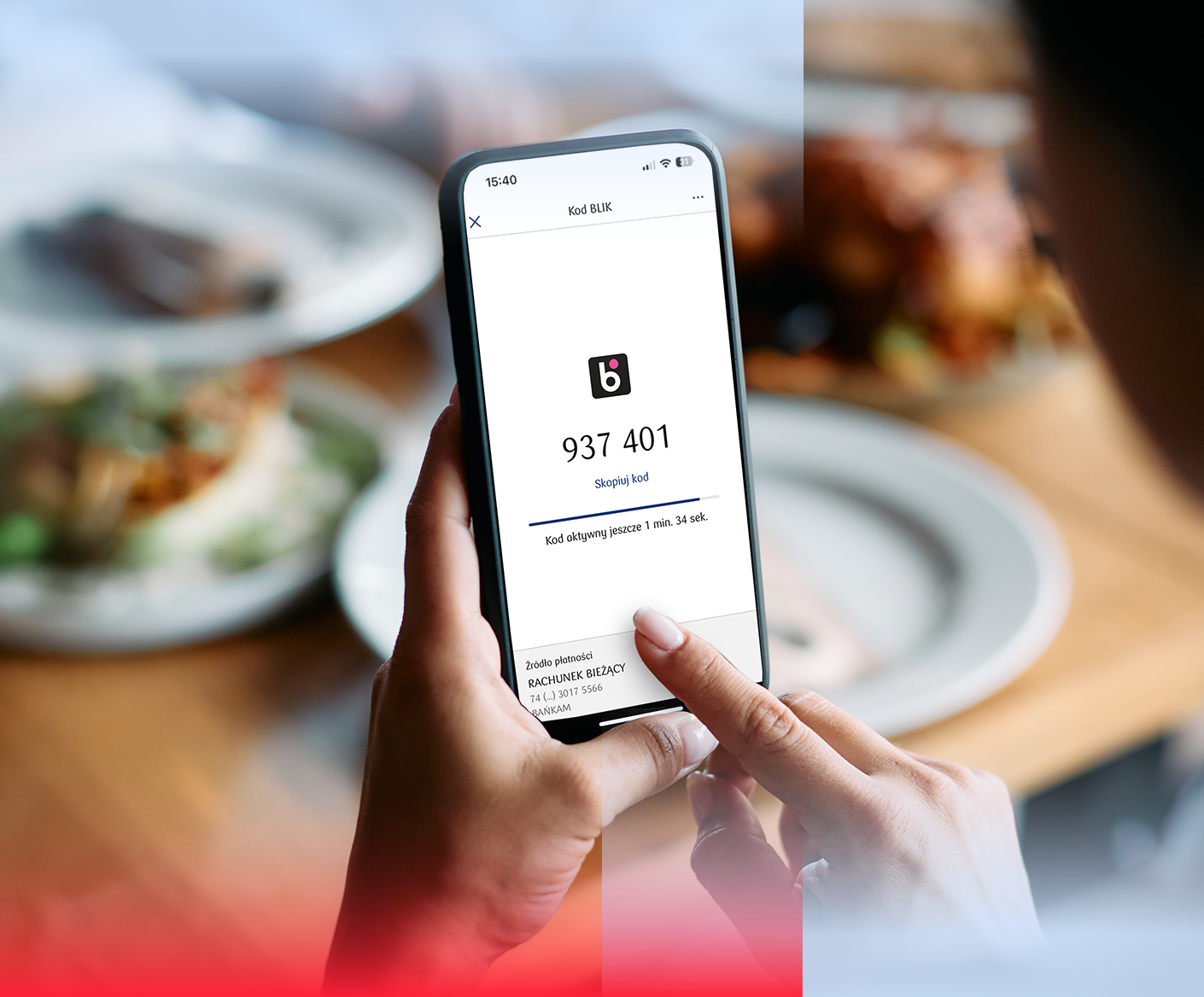
Want to pay quickly and conveniently? Enable BLIK payments from your current account in the iPKO biznes mobile app
- Pay online and in the apps
- Pay for purchases in shops
- Withdraw cash from ATMs
Do you have a charge or credit card? See how to use BLIK
If you don't already have the iPKO biznes app, install it on your phone



How to activate BLIK in the iPKO biznes mobile app?
BLIK payment authorisation is granted by an iPKO biznes administrator at your company. You can speed up the process when you apply directly in your iPKO biznes mobile app.
I am a user
- 1
Enter the iPKO biznes mobile app
If you do not have an active application, click Activate the iPKO biznes application and select I have full access
- 2
Apply for BLIK
Click the BLIK Code icon in your app and apply for access to BLIK payments:
- Account for BLIK payments must be in PLN
- You must have assigned any of the authorization patterns to the account
Notification of the application will be received by iPKO biznes administrator at your company - wait for approval. You can check the status of your BLIK application by clicking on BLIK Code.
- 3
Activate BLIK payments
Once the administrator has approved your application, click on the BLIK Code icon again and start the activation: during the process, check the account connected to BLIK payments and the payment limits assigned to you.
(You can skip this step if the administrator has granted you entitlements independently)
I am an administrator
- 1
Open BLIK Settings in the iPKO biznes banking service
You assign and verify BLIK payment authorisations and limits in the Administration ⟶ BLIK section. In the BLIK section, you will find the Applications and Users tabs - there you will find information about BLIK payment authorisations.
For instructions on how to handle BLI authorisations , see the Administrator's Guide available on iPKO biznes in the Help ⟶ Guides section.
- 2
Approve BLIK users applications
If a user has submitted an application, you will receive a notification on the iPKO biznes home screen:
- In the application approval process you can specify individual BLIK payment limits
Accept and sign the application so that the user can pay with BLIK
- 3
Assign or change BLIK authorisations
- You can assign authorisations right now in the Users section. In the Inactive section, you will find a list of users without BLIK to whom you can assign them individually or collectively, along with payment limits
- You assign and verify BLIK payment authorisations and limits in the Administration ⟶ BLIK section
How to pay?
How to pay?
- 1
In the app: log in and tap BLIK code
You can use it within 105 seconds. If it expires, simply generate a new one.
- 2
Pay with BLIK
Enter the BLIK code in the store and confirm the transaction in your app. You can view your BLIK payment history and statuses anytime – just tap the bell icon in the app.
Remember! Before confirming a transaction, check its details in the notification (recipient, amount).
Important information
- If your source of BLIK payment is an account, you cannot:
- deposit cash
- make BLIK transfers to a phone number
- generate BLIK cheques
- You can check the history and status of your BLIK payments by clicking on the bell icon
- You can find information about the selected payment source, current BLIK payment limits in the app settings: More ⟶ Settings ⟶ BLIK settings
- BLIK payments do not affect daily transaction limits
- To change your BLIK payment account or limits, contact administrator at your company
- Never give your BLIK code to a third party
- BLIK payments are assigned by the administrator and are set individually for each user.
BLIK limits
- Single payment limit: max. 20,000 PLN
- Daily limit for online payments: max. 50,000 PLN
- Daily in-store payment limit: max. 50,000 PLN
- Daily ATM cash withdrawal limit: max. 20,000 PLN