
Important change in iPKO biznes: we are ending support for mobile tokens
Mobile authorisation is the most convenient way you can confirm an operation in iPKO biznes. Why should you switch now?
- Fast
You do not need to rewrite any codes. All you have to do is click the notification on your phone and confirm the operation with the PIN to the app.
- Secure
Mobile authorisation uses the security features of your device. You confirm each operation with a PIN to the app. In mobile authorisation, you can always see which operation you are confirming and check the details of the operation in the details.
This gives you full control and confidence that you are accepting exactly the payment you want to make. This makes it much more difficult to intercept than manually typed codes.
- All in one application
You do not install anything else. You handle mobile authorisation in the iPKO biznes app you already use.
Mobile tokens stopped working on 1 October 2026
As a result, it is no longer possible to:
- use iPKO biznes after logging in with a mobile token
- authorise transfers and operations with this tool
To keep the system fully functional, switch to mobile authentication as soon as possible – the process only takes a few minutes.
How do I change my authorisation method to mobile authorisation?
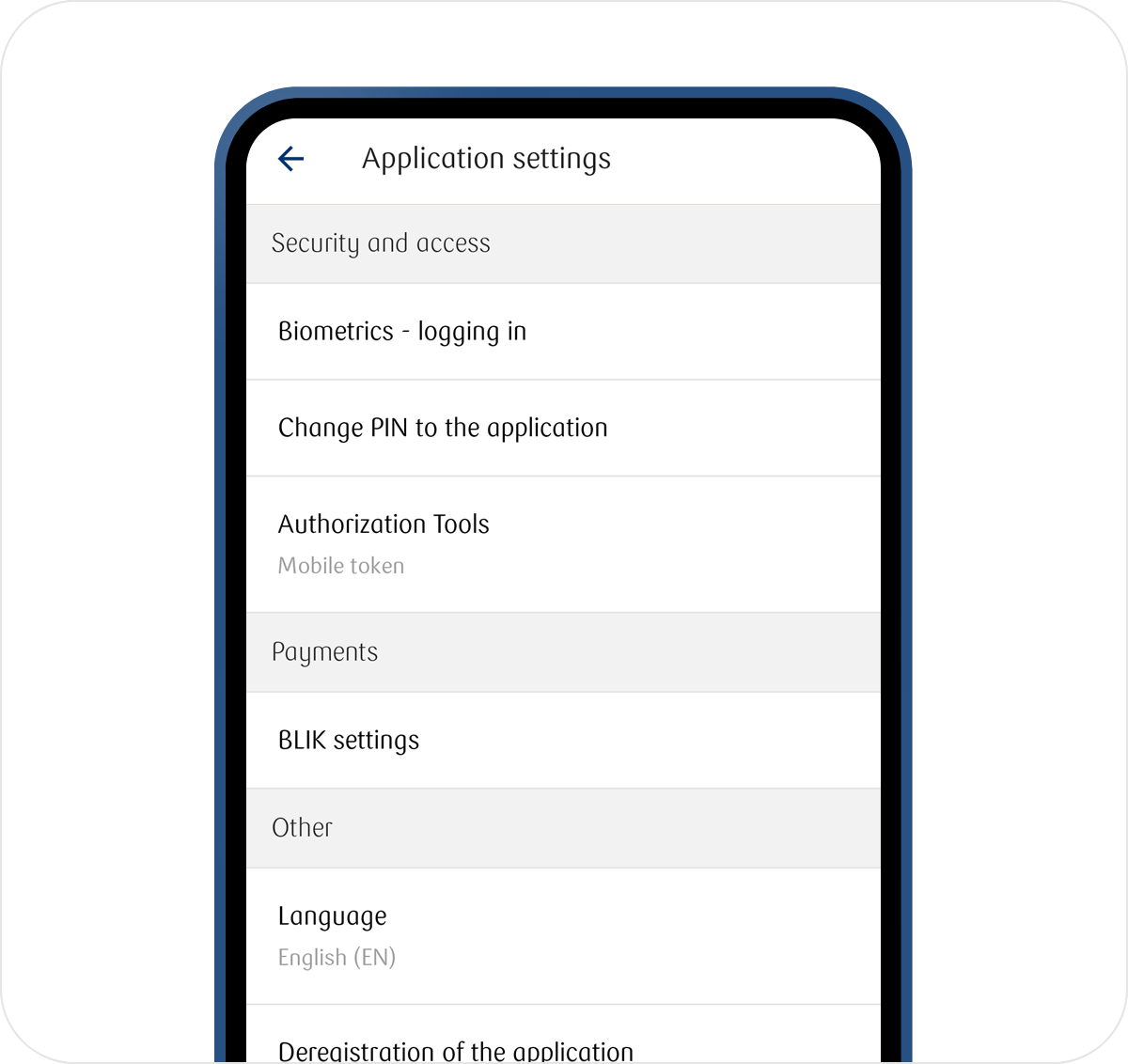
- If you don't have the iPKO biznes app yet, activate it. then log in and go to More → Settings → Authorisation Tools.
- Go to Mobile authorisation and select the device you will use
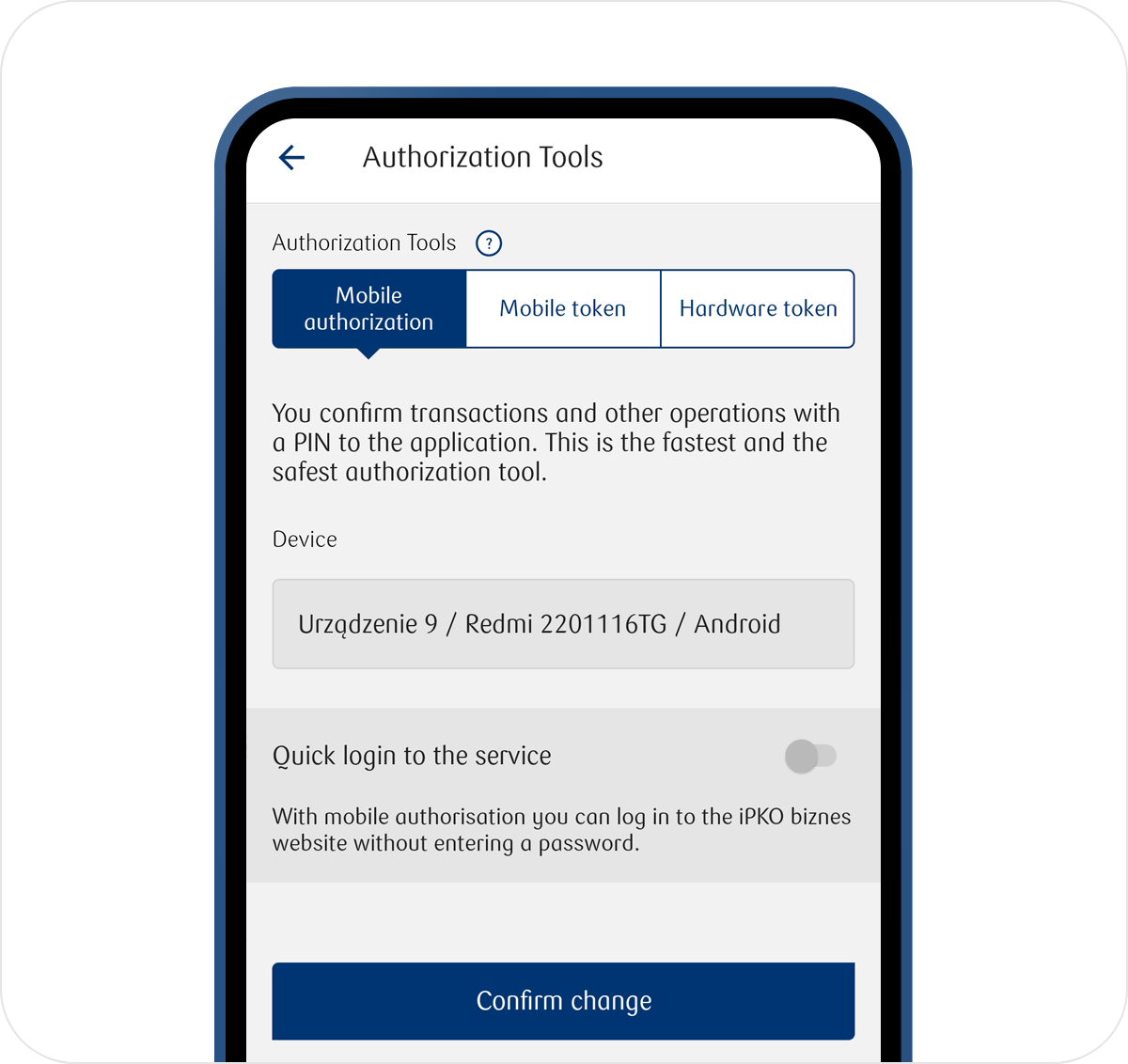
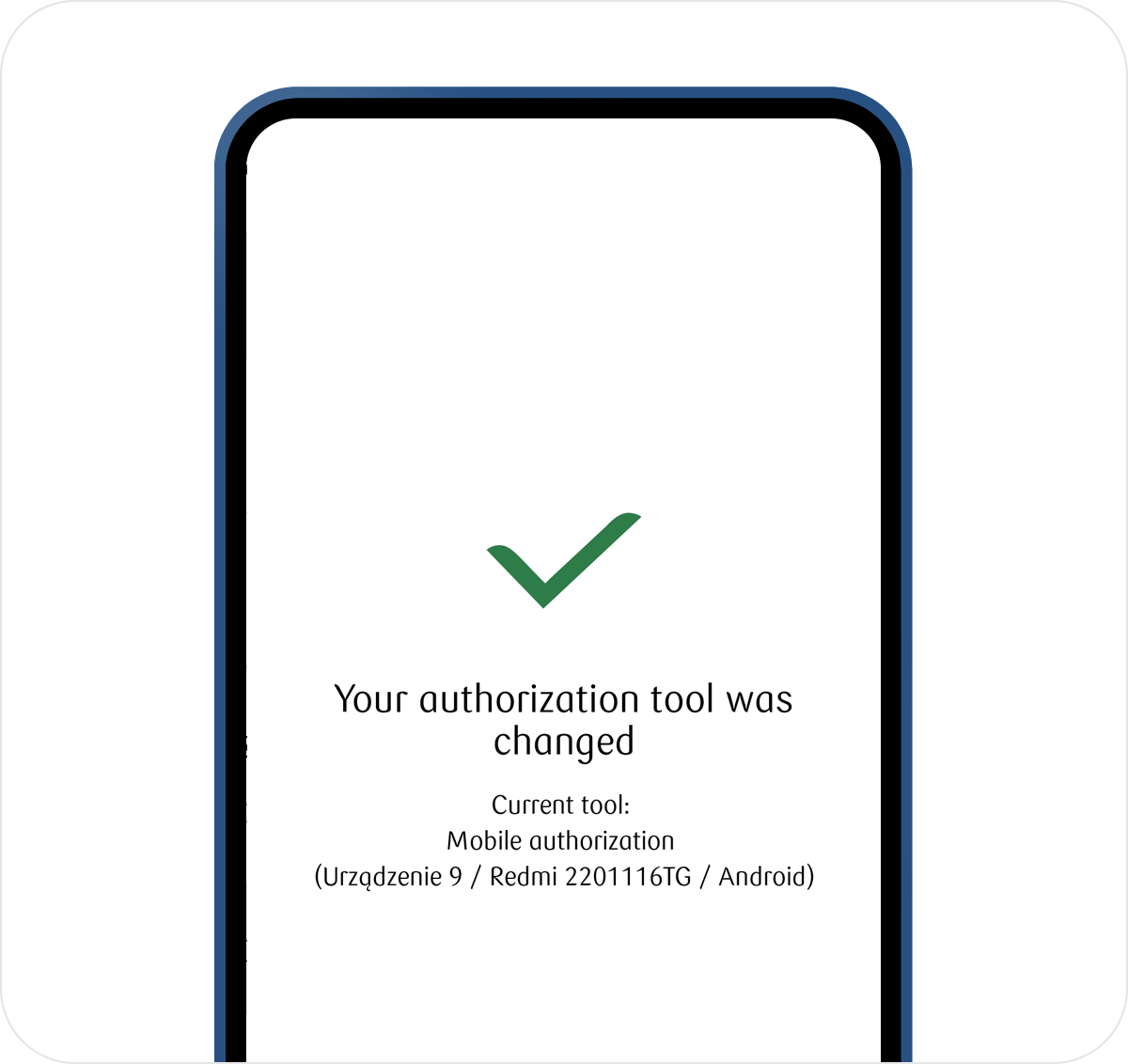
- Confirm change and enter the code from the token and PIN for the application