

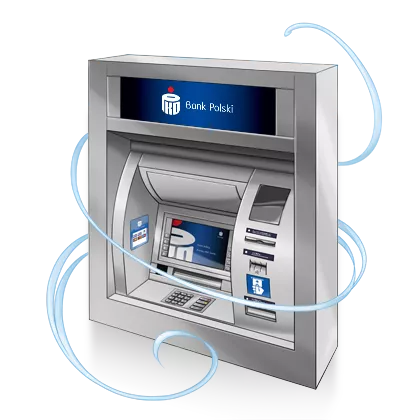
Cash withdrawals and deposits BLIK
Don't have a card with you? Use the PKO app
- Withdraw cash with BLIK at ATMs all over Poland
- Deposit cash with BLIK in our deposit machines without additional fees – applies to individual customers
Find your nearest ATM or deposit machine
Find your nearest ATM or deposit machine
- 1
Open the PKO app
- 2
Select: More
- 3
Go to ATMs and branches
How to deposit and withdraw cash with BLIK from an ATM machine?
Withdrawal with BLIK
- 1
Find an ATM with the BLIK withdrawal function
- 2
Enter the amount and decide if you want to receive a transaction confirmation
- 3
Generate a code in the PKO app or BLIK check number – enter it on the ATM keypad
- 4
Select: Accept in the PKO app and collect money from the ATM
Deposit with BLIK
- 1
Find an ATM with a deposit function and select Deposit BLIK
- 2
Generate the BLIK code in PKO app and enter it in the deposit machine
- 3
Follow the on-screen instructions
